
Reading · 3 min
Check, list, talk
- Goal
- Keep a short weekly routine: a quick look at the platform, then time with the students who need you.
- Whole lesson
- About 6 minutes
- Before you start
- Your class dashboard (Lesson 5)
- Home
- Manage Classes
- Performance
- Grading - Pending
You have two hours a week. About 15 minutes go to the platform. Most of the rest goes to your students.
Pick one day for your check, and keep the same day every week.
Start on your home page. Look at Grade In Progress, and at how many students have not logged in yet.
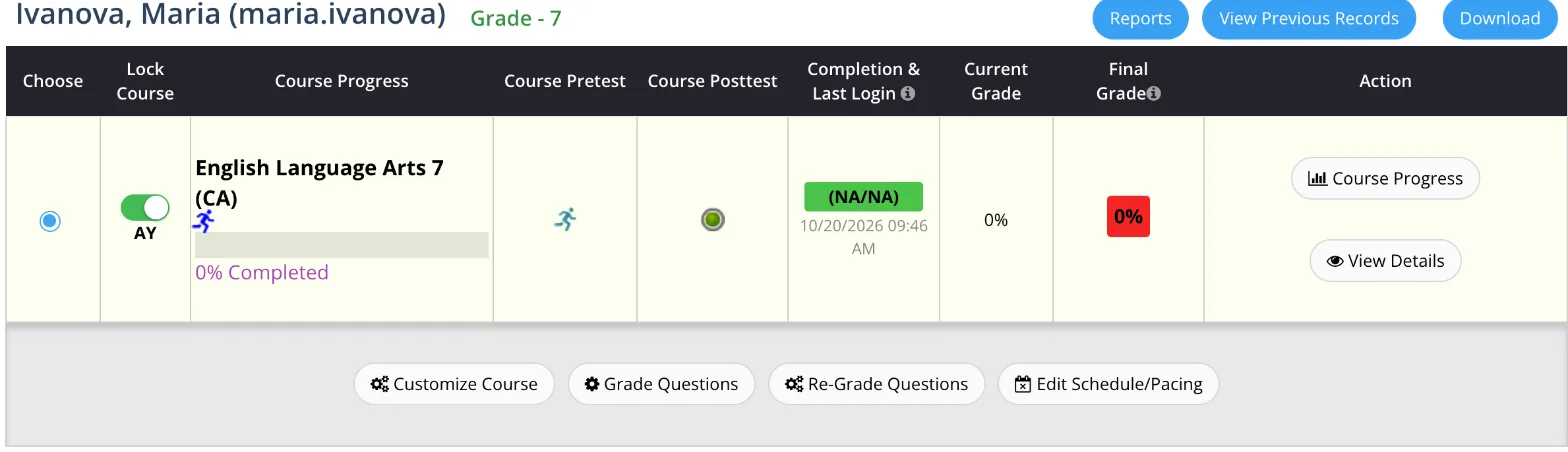
Open your class dashboard (Manage Classes, then Performance) and scroll once through the class. Look for the four signs: an old last login, almost nothing done, red activities, and a grade under 66%.
If you have more time, or something looks wrong, go deeper: View Details, Course Progress and Login History, as in Lessons 6 and 8.
End the check with a short list: each name, and what you saw.
Spend the rest of your time with the students on your list, in class or by message. One short talk each: what is hard, and what they will do this week.
Every week or two, ask the whole class what was hard and what helped. Write the answers down: they go into your report.
You're done when you have a day for your check, a list of names after it, and a short talk planned with each of them.