
Reading · 3 min
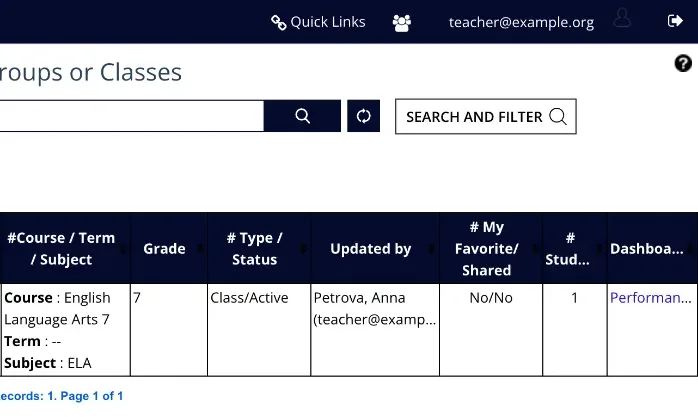
Find your class and read each row
- Goal
- Read your class dashboard and name the students who need help this week.
- Whole lesson
- About 6 minutes
- Before you start
- A class (Lesson 4)
- Manage Classes
- Performance
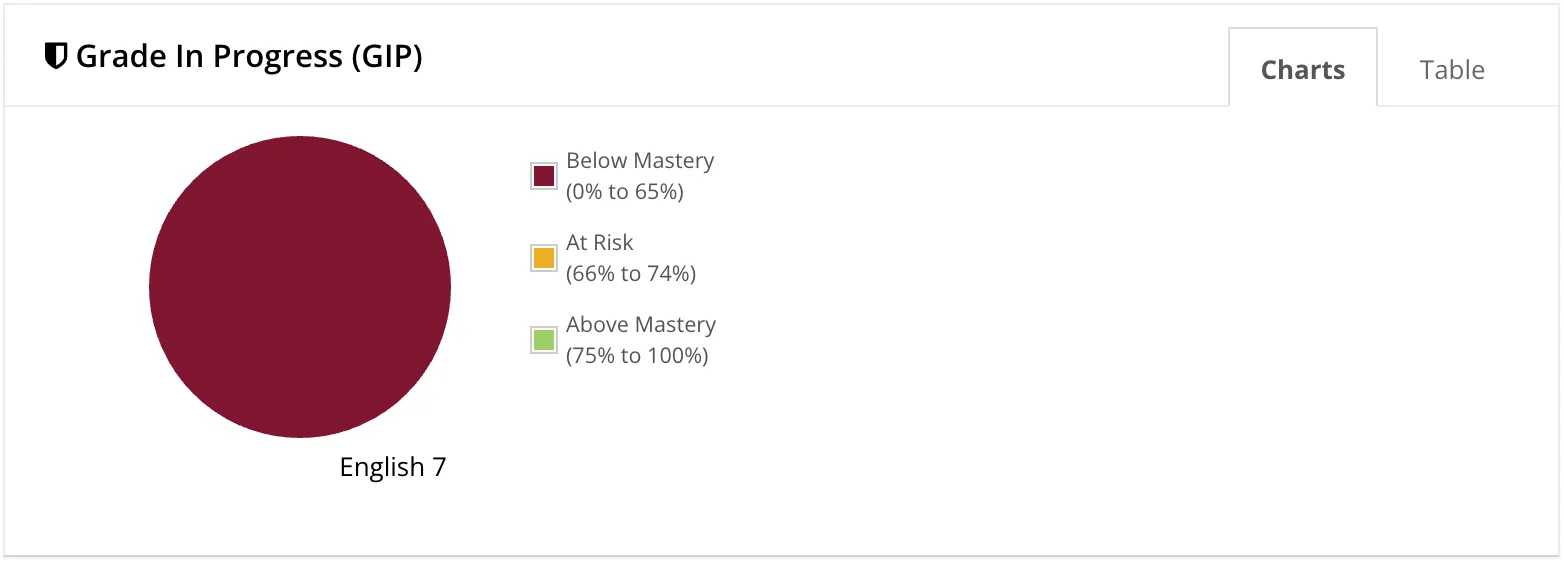
Read the three bands: Below Mastery (0-65%), At Risk (66-74%) and Above Mastery (75-100%).
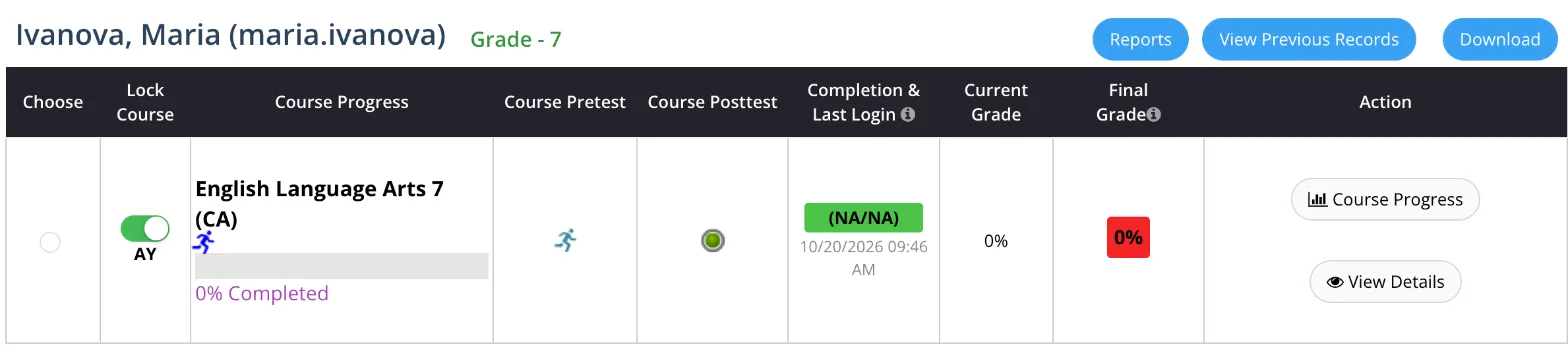
Read the row from left to right: course progress, the pretest score, completion and last login, then the current grade and the final grade.
In the activities column, green counts completed activities, red counts activities not mastered yet, and grey counts what is left.
Scroll through the class and look for four signs: a last login more than a week ago, almost nothing done, red activities, and a current grade under 66%.
Write down the names that need you this week. Lesson 6 shows how to find out what is going on with each of them.
You're done when you can open your class dashboard and name the students who need help this week.
Why is every student red at 0%?
A new class shows red at 0% for every student. That means no work yet. It is not a problem. The colours change as students start working.
Something looks wrong?
Write to support (support@gsed.ch) or to your coordinator.